Imagine if you were blessed with a photographic memory, how awesome would that be? Not only could you remember things in their whole, visually speaking, but you would be privy to immense detail of even the tiniest things. Sadly, only a few have this gift and the rest of us have to rely on our own memories, however, botched and haggard they might be. Or do we? Well actually, thanks to modern technology we can have a photographic memory, it’s just not in our own minds. Using our smartphones and various software on tablets, desktop computers, and laptops, we can remind ourselves of things we need to do, present the correct visuals for our professional lives and help us in our daily lives such as when we go shopping. But how do we do this?
Photographic knowledge for your work life
Let’s say you’re a manager, and you are one of the few people who are given the task to take care of people and their tasks, throughout the day. This means that you have been delegated so many responsibilities for so many things and people. So surely, you could do with a bit of extra help?
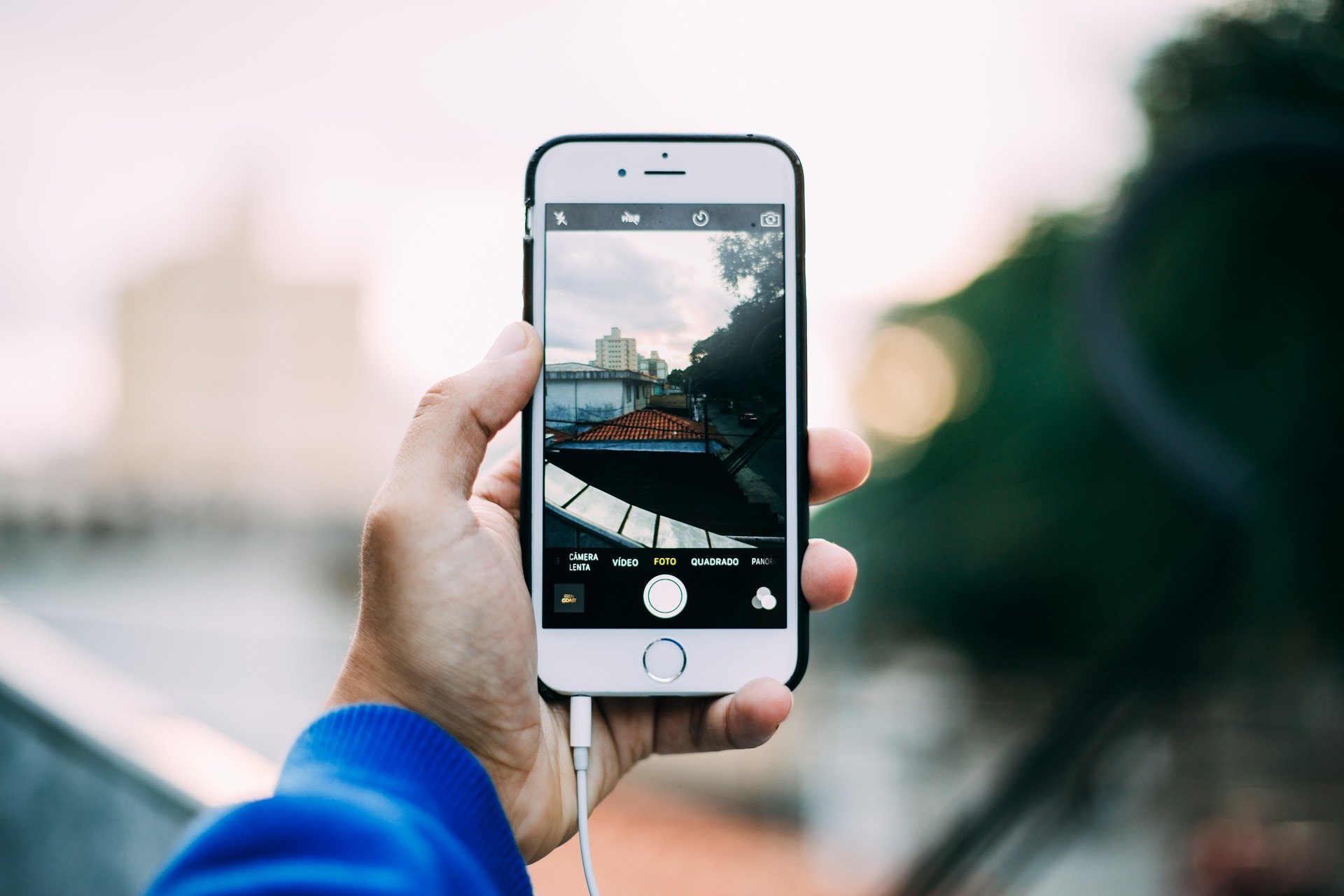
Using your smartphone, you can take photos of various things such as –
- Something is wrong with the equipment. Taking a photo of this with your smartphone can alert the technicians and upper management of the exact problem. So rather than just text or words, they have a visual representation of the problem.
- Maybe you had a great idea and you needed to take a photo of it? Let’s say you’re a manager in the design team, what if you see something in your normal life that inspires you or sets you on the track to solving an issue?
- Taking a photo of your team and the challenges they face, such as workplace safety or tools and equipment that needs to be upgraded, would help the upper management in knowing what needs to change.
Upload these photos to the cloud, so you can also use them later on in any report stages. You can use OneDrive, Google Drive, or dedicated gallery software such as the Cloud Gallery for Apple.
Grocery shopping
MyPics is a wonderful app to use on a daily basis for simple things like grocery shopping. Wait a minute, are you going to be one of those weird people who pick up products and take photographs of them? Well, yes and no. modern smartphones have virtual assistants like Bixby, Siri, and Alexa. You can use these to focus on the products on the shelves, and immediately have them recognized for what they are. This also means that you don’t need to put any description of your photos if you don’t want to.
MyPics allows you to store your photos online, in a cloud-based system, which then allows you access to your images at any time. You can organize your photos into albums and this is great for when you are making food groups or diet groups. Let’s say you want to go on a low carb diet, just open up the low-carb album you created, and inside you’ll find all the food products you took photos of that you can buy and keep within your diet.
You also have an internal calendar, which you can use to date your photographs. You also have the ability to tag anything or anyone into a photo so you know who or what the subjects are. The photo editor is fun to play around with, and really helpful for those that want to take selfies and photos that are in low light conditions. You can also use themes for your photos, adding in additional artwork and color schemes.

Creating family holiday albums
When you go on holiday you want to keep your phone’s internal storage capacity as high as possible. But you’re on a frenzy of photography and you can’t always go back and delete photos that you either want to edit before uploading. So what do you do? You can use a software that allows you to transfer your photos onto your iPad. Syncing your photos isn’t as hard as it may seem.
This should be done via the iPhone because it’s the easiest platform to shift photos from. This is how to sync photos from iPhone to iPad. You simply download an app called Gemini. This will easily allow you to shift your galleries and photos to an online cloud-based system. This can then make duplicates of the photos and add them to your iPad photo book or albums. They can then be edited with software and enhanced to look even better. This also means that you can take photos on your iPad and have them synced to your phone. So if you want to take a photograph of your family on a beach or in a hotel, as your background wallpaper, you only need to select the photo from your gallery or album.
Making reminders
Reminders of things you need to do can be done by simply selecting photos to pop up in your alarm or reminder app. There should be an icon that you can tap that looks like a gallery or a camera. Attach a photo to the reminder you have set, and you then get a visual for the task or chore that you need to do.
If you need to go shopping, set a reminder in an app for the time but use a picture of the store that you want to shop in. You can also do this for your daughter’s dance classes. Use the photograph of your daughter at the school as the image of the reminder.
Not many people are blessed with having a photographic memory but using your phone and various software or apps, you can change that forever. Get used to synching your albums and galleries with your tablet or laptop, so you are always able to access your images for editing purposes or organizing.
*This is a collaborative post.