*This is a collaborative post.
Home offices might not get the same kind of foot traffic as busier areas like kitchens and living rooms, but they still need thorough cleaning. Whether you work from home every day or only use the space occasionally, it’s worth knowing how to get your home office sparkling.
So on that note, here are 6 hacks for how to clean a home office.
How To Clean A Home Office: 6 Cleaning Hacks
1. Organise Your Paperwork
Sure, most of our work is done on computers, but there are plenty of reasons why we might still have paperwork lying around. It’s worth organising this before getting into the deep office cleaning because it’ll otherwise just be in your way.
How you organise your paperwork depends on your available space, but anything from storage boxes to box folders and ring binders can help collect it together. Make sure you separate things according to importance and whether they’re business or personal. There’s no point in stuffing everything in randomly to hide the problem.
2. Work Top To Bottom
This is a bit of a no-brainer, but make sure you start cleaning at the top of the room and work down. Doing so means you can catch any extra mess you make along the way. For example, cleaning your home office could involve:
- Wiping away cobwebs
- Cleaning shelves
- Cleaning your computer screen and keyboard
- Cleaning the desk
- Cleaning the chair
- Vacuuming the floor
3. Cleaning A Computer
Your computer is likely the centre of your home office, so keeping it clean is a must. The basics are pretty simple but it’s worth taking care when cleaning a computer, as some parts can be surprisingly fragile.
Cleaning a Computer Screen
Some computer screens are very prone to scratches, especially iMacs. To be as safe as possible, use a cleaning cloth for a pair of glasses – this will guarantee you don’t scratch the screen. You generally shouldn’t have to use any kind of spray with these clothes – just wipe the screen in small, circular motions.
If you know your screen is a bit more resilient, use white vinegar and a microfibre cloth. Spray a small amount of vinegar onto the cloth and then wipe the screen in circular motions. Treat your computer screen as you would a mirror or a window.
Cleaning a Keyboard and Mouse
You’d be amazed at the gunk that can build up in a keyboard. Luckily, cleaning a keyboard is pretty straightforward:
- 1. Start by disconnecting or turning off the keyboard.
- 2. Turn it upside down and give it a little shake. This should dislodge most debris stuck behind the keys.
- 3. Next, get a can of compressed air and spray it under and between the keys. You can get cans with small nozzles designed specifically for this purpose.
- 4. Finally, use a cotton bud to wipe isopropyl alcohol on and between the keys. This will kill germs built up on your keyboard.
Cleaning a mouse is just as simple. You should only need to wipe it down with some isopropyl alcohol and it’ll look good as new.
4. Cleaning Your Office Chair
Office chairs can be a hotbed of anything from food crumbs and pet hair to clothes lint and stray bits of paper. Like your desk, your chair needs cleaning thoroughly. But a fabric chair can stain more easily and take a bit more work. Ideally, avoid this by having a leather or faux leather office chair.
Whatever your chair is made from, start by hoovering it with the upholstery attachment. Make sure you get in all the crevices to remove those crumbs from last week’s lunch!
If your chair is fabric, use an upholstery cleaner spray, following the instructions on the bottle. You should only need to do this every few months. For a quicker clean, wipe the chair down with a damp cloth.
As for a leather office chair, you can use white vinegar and a cloth to keep it clean. If it’s real leather, consider using a leather moisturising cream to hydrate it.
5. Don’t Eat At Your Desk
This is less of a cleaning hack and more of a preventative measure: don’t eat at your desk! It can be tempting to use the computer while grabbing lunch, but food crumbs are a major culprit of office mess.
Crumbs can get stuck in your keyboard keys, which can stop them from working. Also, if you happen to spill food on your desk, you’ve got to deal with the clean-up before you can get back to work.
A cup of coffee and a bottle of water are fine to have around your desk, but try to avoid bringing any food into your home office.
6. Go Minimalist On Your Desk
Take a lesson from Marie Kondo and keep your desk minimalist. Not only will this help make it easier to keep clean but it’ll also help keep you in a good headspace for doing work.
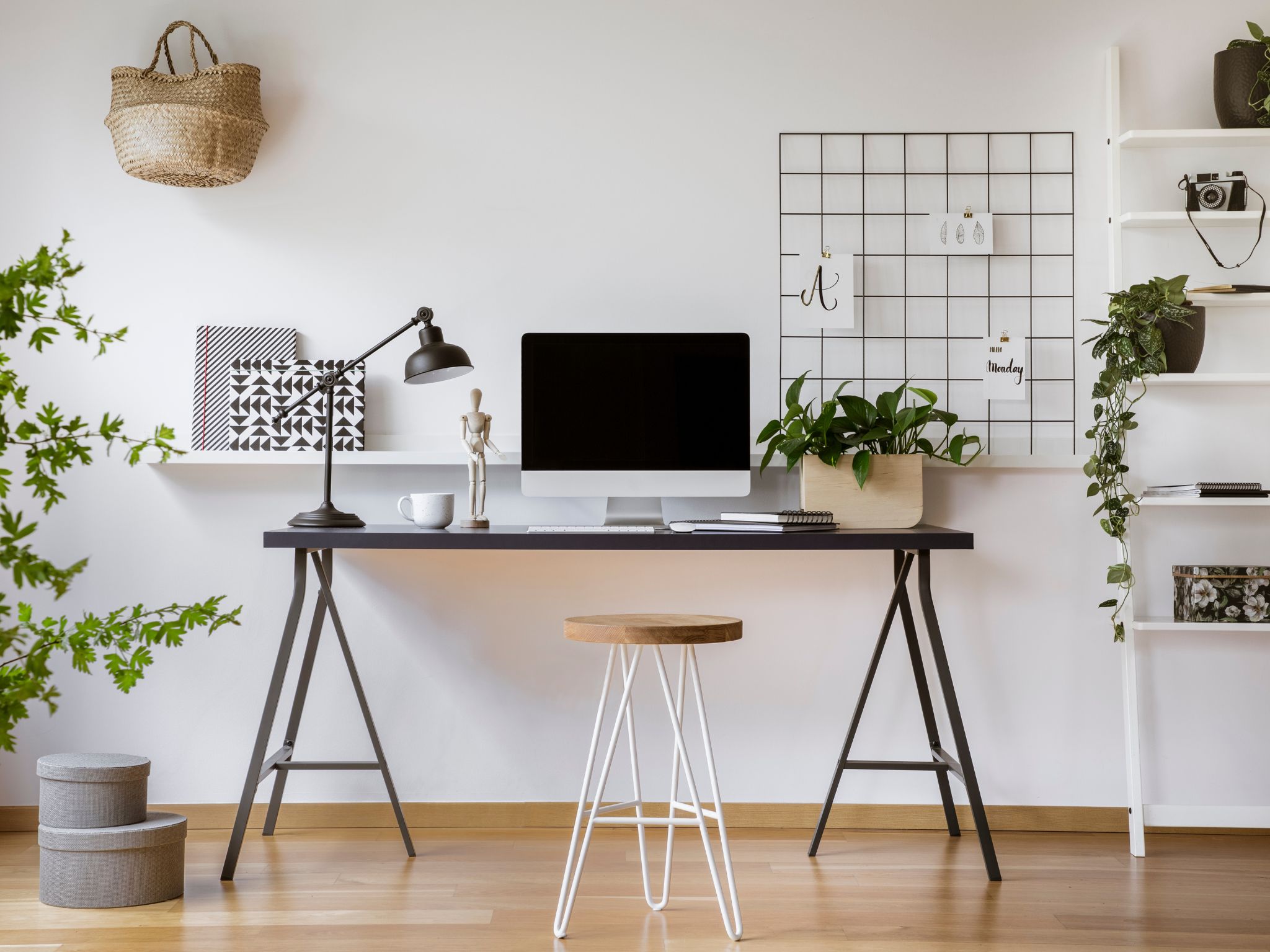
Make sure you have all the classic organisational elements for a home office: pen holders, binders and folders, and cable organisers. Ideally, your desk should be home to a computer, maybe a lamp, and not much else.
Final Thoughts
There you have it: 6 cleaning hacks for a home office. Most of keeping an office clean is prior organisation, but you’ll still have to run the hoover around every now and then! At least keeping everything organised means this will be a much easier process.
If you do not have the time to clean your home office or even your home, then you can also think about getting yourself a regular sessions in domestic cleaning London.





Excellent ideas – will be done in a jiffy
Great tips.. I should forward this over to my husband whose desk is always a mess.
Thanks for the tip on how to clean iMac screens. I was going to use a tissue and probably would have scratched the screen!
#mmbc
Great information and instructions on keeping an office clean right down to the computer keys. Love it! #MMBC
Great ideas thank you